Use case: joiners and leavers
Hand over on day one. Get it back on the last.
Every handover and return is one scan, with the date and the name of who did it. On someone's last day, search their name and see exactly what they still hold.
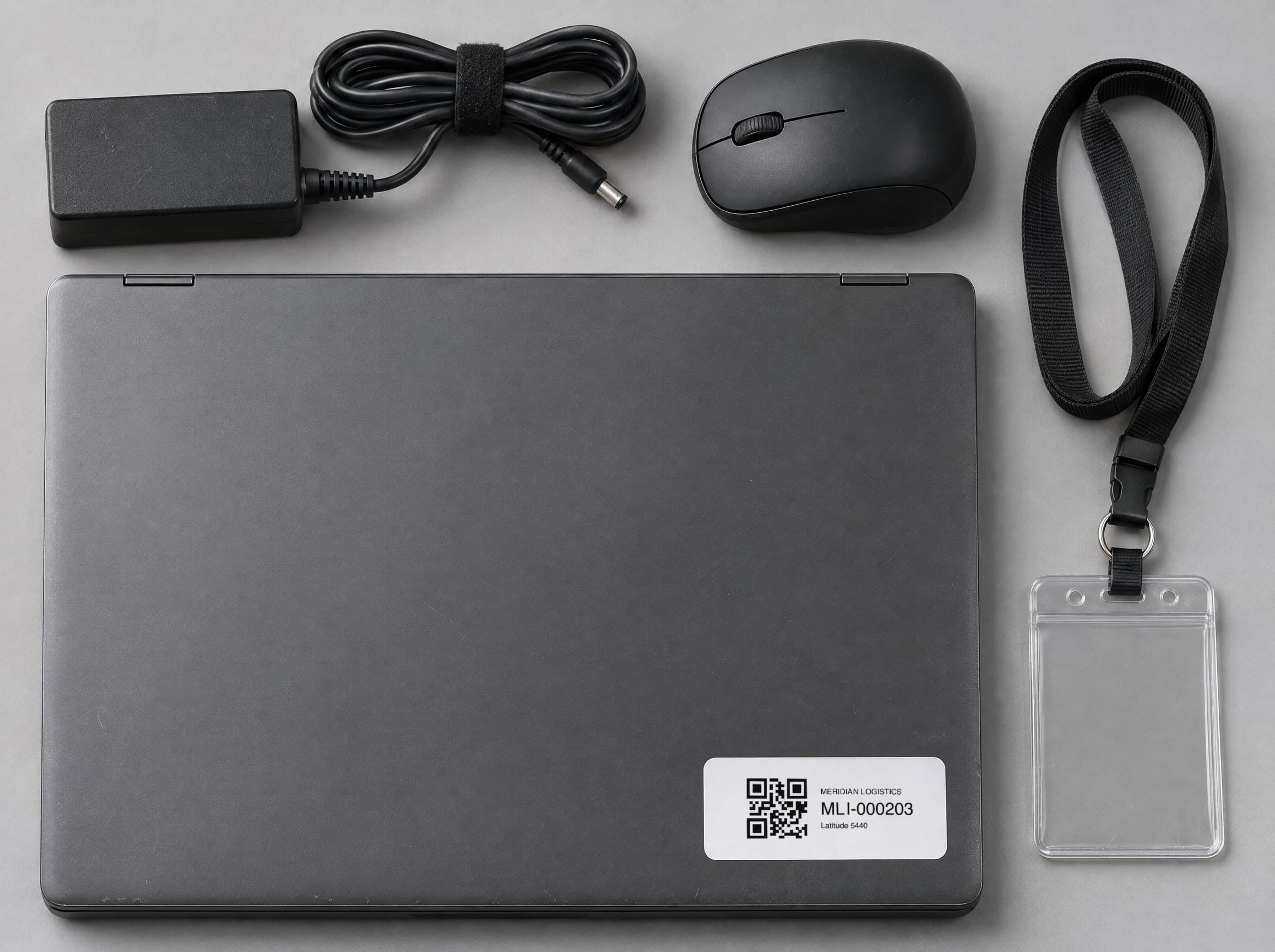
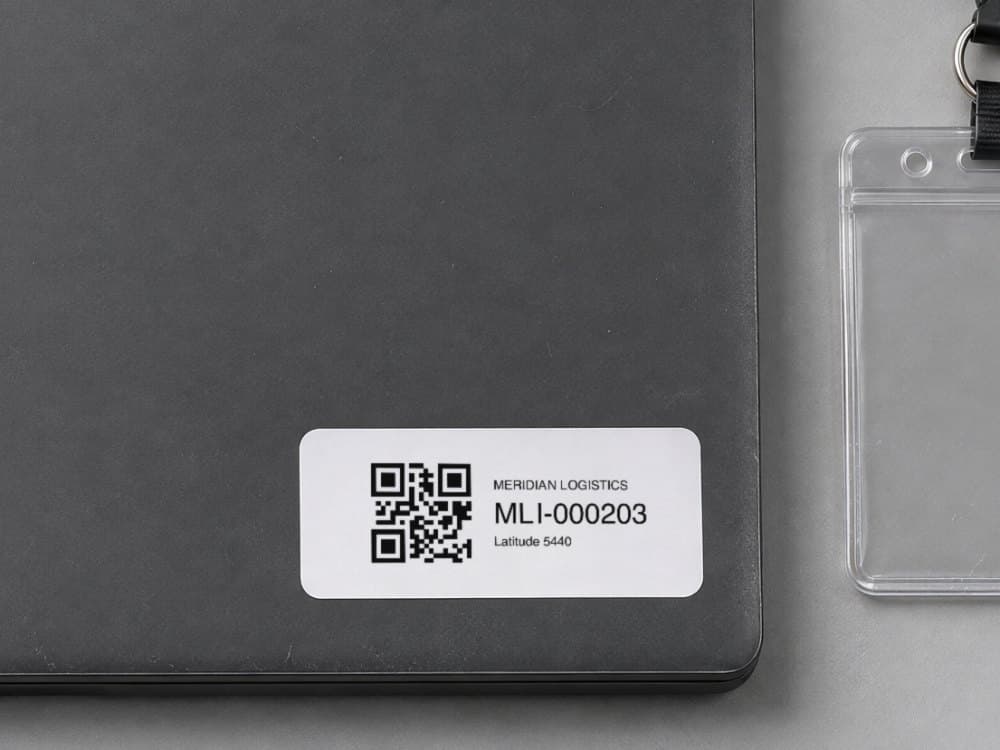 Detail: the label
- Assign or return
- A scan and two taps
- On the last day
- One list per person
- History
- Kept on every asset
- Works on
- Every plan
Joining
Day one, in four moves.
Pick from stock
Filter the register to In stock. It shows which laptops are free to hand out.
Scan the label
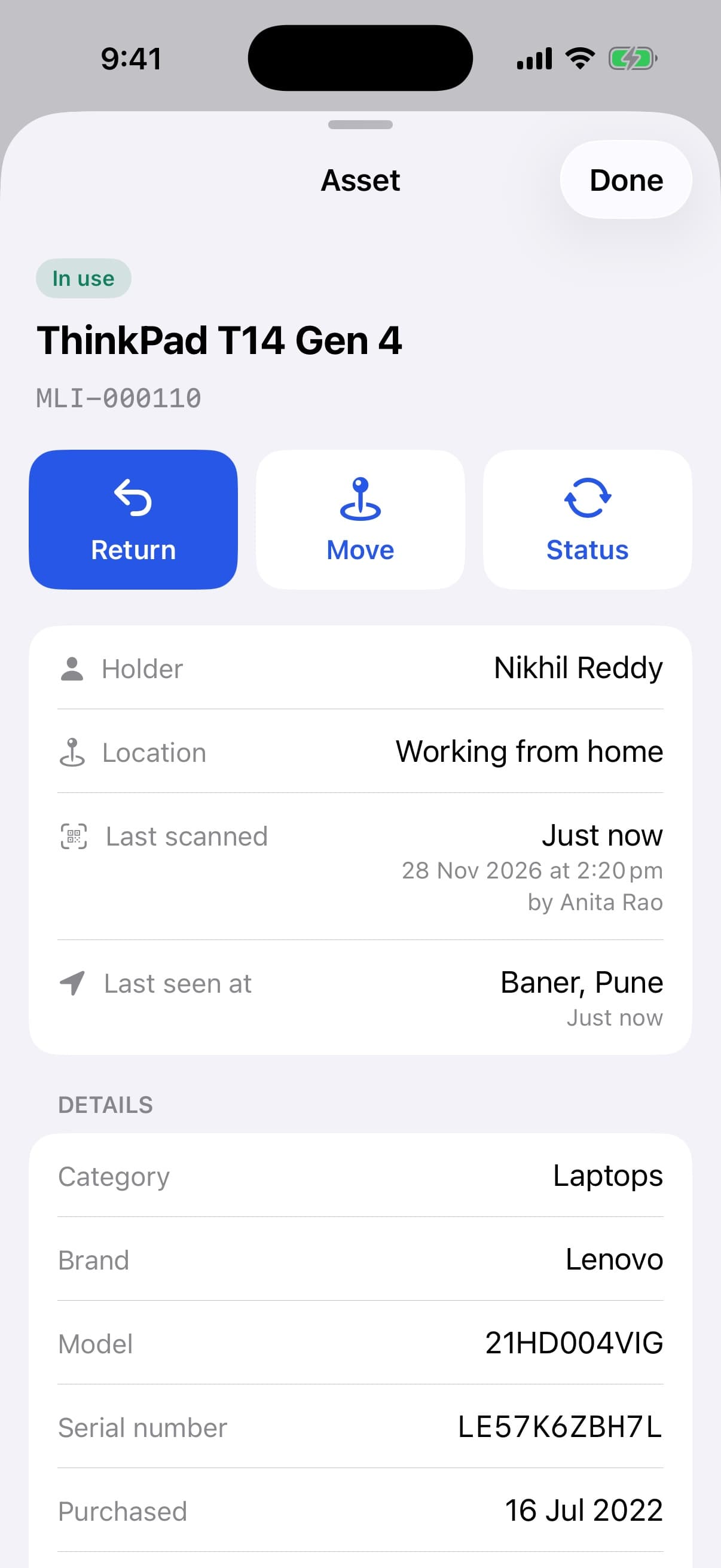
The app shows what the asset is and that nobody holds it.
Tap Assign
Pick the person. The asset moves from In stock to In use, with your name and the date.
Hand it over
The person now shows as the holder on the asset's page and in the people list.
Leaving
On the last day, one list.
Search the person's name. The list shows every asset they hold: laptop, monitor, phone, dock.
Scan each item as it comes back and tap Return. It goes back to In stock. What is still on the list is what you chase.
The awkward cases
Where handovers go wrong, and what to do.
- A laptop passes from one person to another
- Scan it and assign it to the new holder. The history keeps both names and both dates.
- It comes back damaged
- Return it, then set the status to In repair with a note.
- It never comes back
- Set the status to Missing. It stays on the overview until it is found or retired.
- The leaver works from home
- Mark the return when the courier delivers the box, not when it is promised.
The record
Every asset keeps its history.
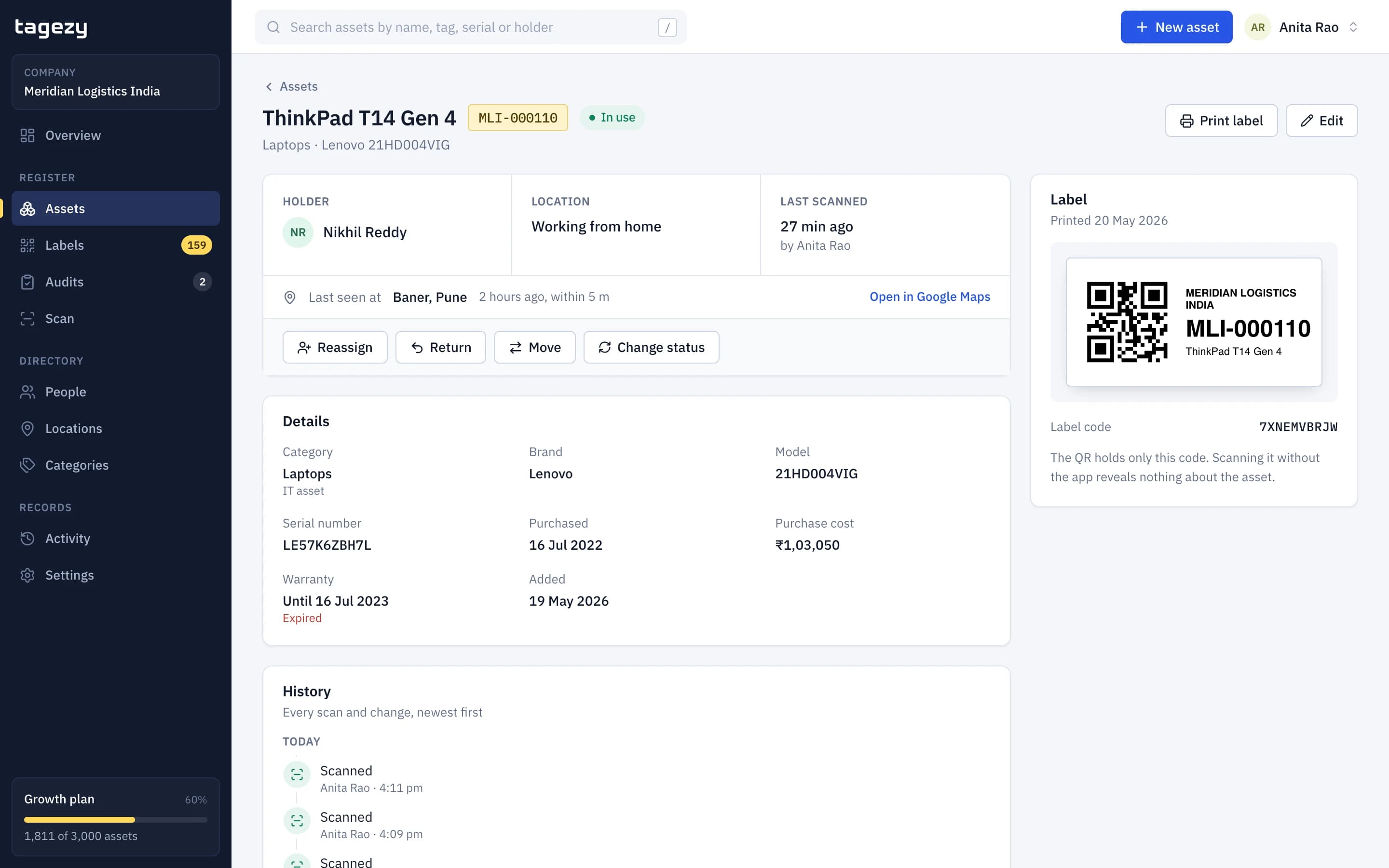
Who held it, from when to when, where it moved and who made each change. Open the asset's page and read it from the top.
When finance or an auditor asks who had a device in March, the answer is on that page.
What to record
What a handover record should hold.
| Field | Why it matters | Where it comes from |
|---|---|---|
| Asset tag | Identifies the item without reading a serial number | Printed on the label |
| Serial number | Matches the vendor's invoice and the warranty | The asset record |
| Holder | The person now responsible for it | Chosen when you tap Assign |
| Date handed over | Starts the period they are responsible for | Recorded at the scan |
| Handed over by | Who made the change | Recorded at the scan |
| Condition | Scratches and faults that were already there | Notes on the asset |
If your policy needs a signature, print the checklist from the handover guide and keep the signed copy. The product records who assigned the asset and when. It does not collect signatures.
Questions buyers ask
What is an asset handover?
An asset handover is the moment a company asset passes to a person, or back from them, together with the record of it: which asset, to whom, on what date, in what condition and who made the change.
How do we see everything one person holds?
Search their name in the register, or open the people list, which shows how many assets each person holds and links to them.
Does the employee sign anything?
Not inside the product. The record shows who assigned the asset and when. If your policy needs a signature, print a handover form and keep the signed copy.
Can a manager do the handover instead of IT?
Yes. Any Member can scan, assign and return. Only admins can add, import, export or delete assets.
Should chargers and bags be on the record?
Tag what you would chase if it went missing. Most teams tag the laptop, monitor, dock and phone, and treat chargers, cables and bags as consumables.
See it with your own asset list
Send us a spreadsheet of 20 assets. We will import it, print the labels and walk you through a scan and an audit on a call.