Use case: several offices
One register for every office, branch and warehouse.
Each site keeps its own floors and rooms as locations. An asset belongs to one of them and moves with a scan. Head office sees the whole register. Each site audits its own floors and rooms, one location at a time. Several offices in one register are part of the Growth plan and above.
- Several offices
- Growth and above
- Grouped by
- Building or city
- Audit scope
- One location, or all
- Move an asset
- A scan and two taps
Structure
Sites, then locations, then assets.
- A site is a building or a city
- Mumbai HQ, Pune Warehouse, Bengaluru Office. Locations are grouped under it.
- A location is where an asset lives
- A floor, a room, a store, a server room. Name them the way your people already do.
- An asset belongs to one location
- It can also have a holder. A chair has a room. A laptop has a room and a person.
- People at home get a place too
- A working-from-home location sits beside your offices. It does not count as an office on any plan.
Moving
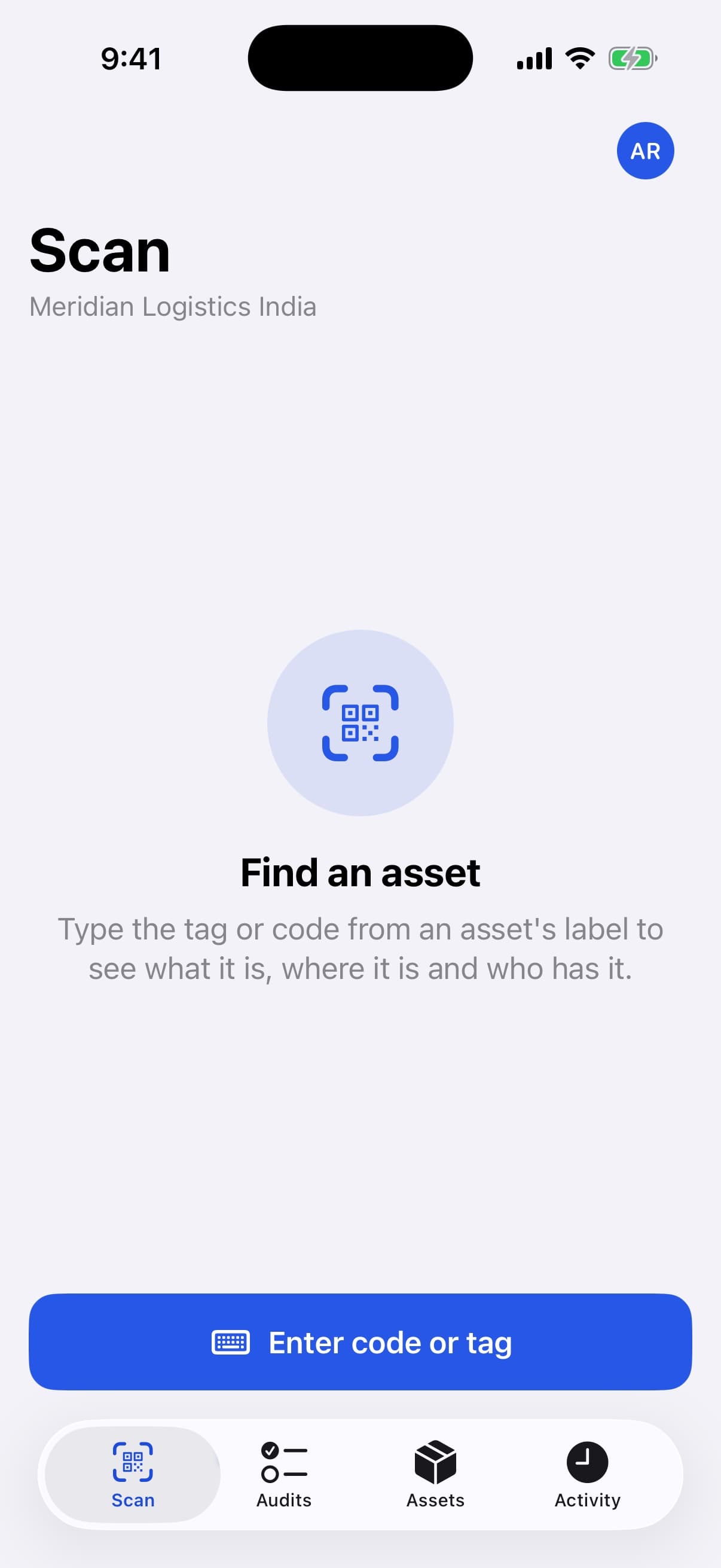
A transfer between offices is two scans.
Before it leaves, scan the label and move the asset to the receiving location. When it arrives, the receiving office scans it.
The asset's history shows the move, and its last scan shows who received it and when.
Counting
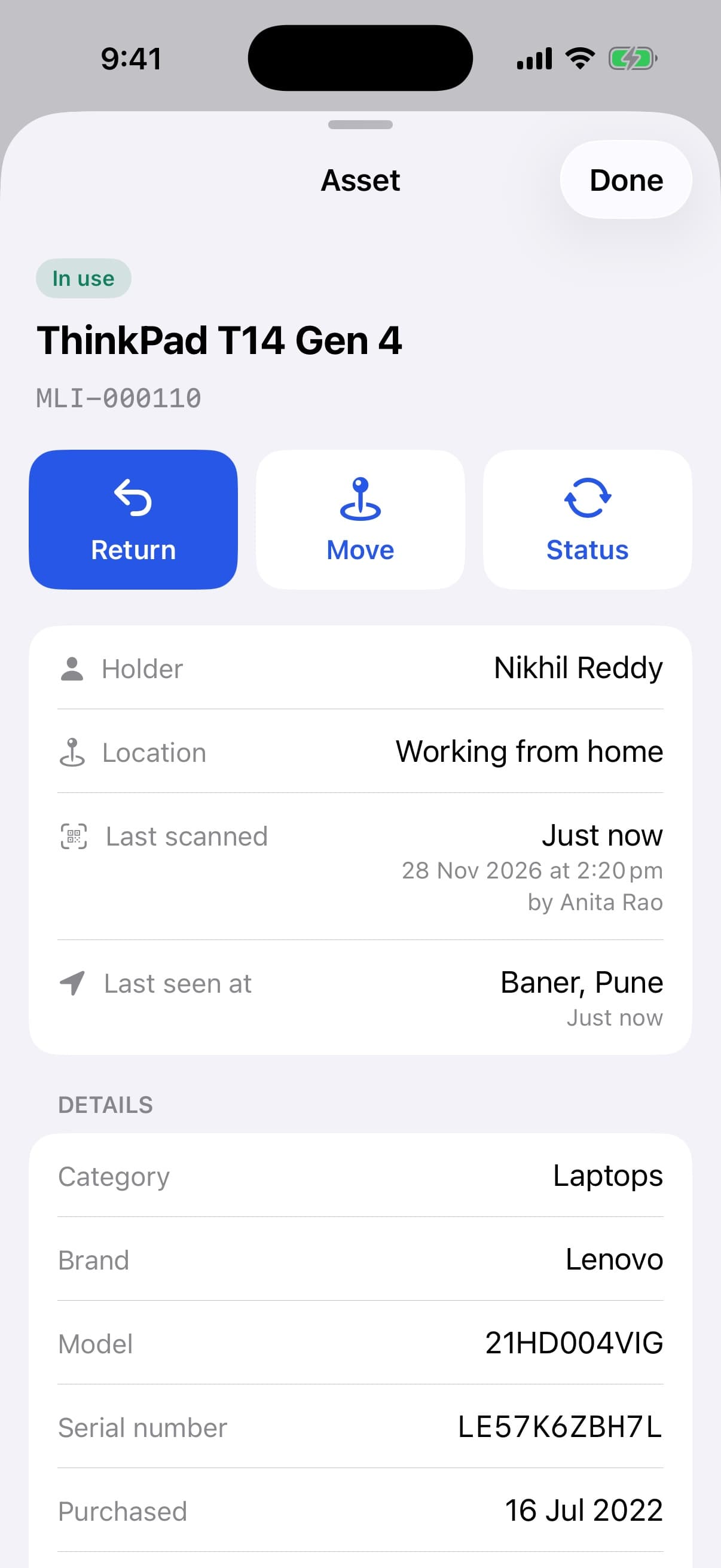
Count one location at a time.
Start an audit for a single location. The list of assets to find is fixed at that moment. Several people scan at once and the totals move as labels are read.
When the location closes, export what was found and what was not, then start the next one.
By site
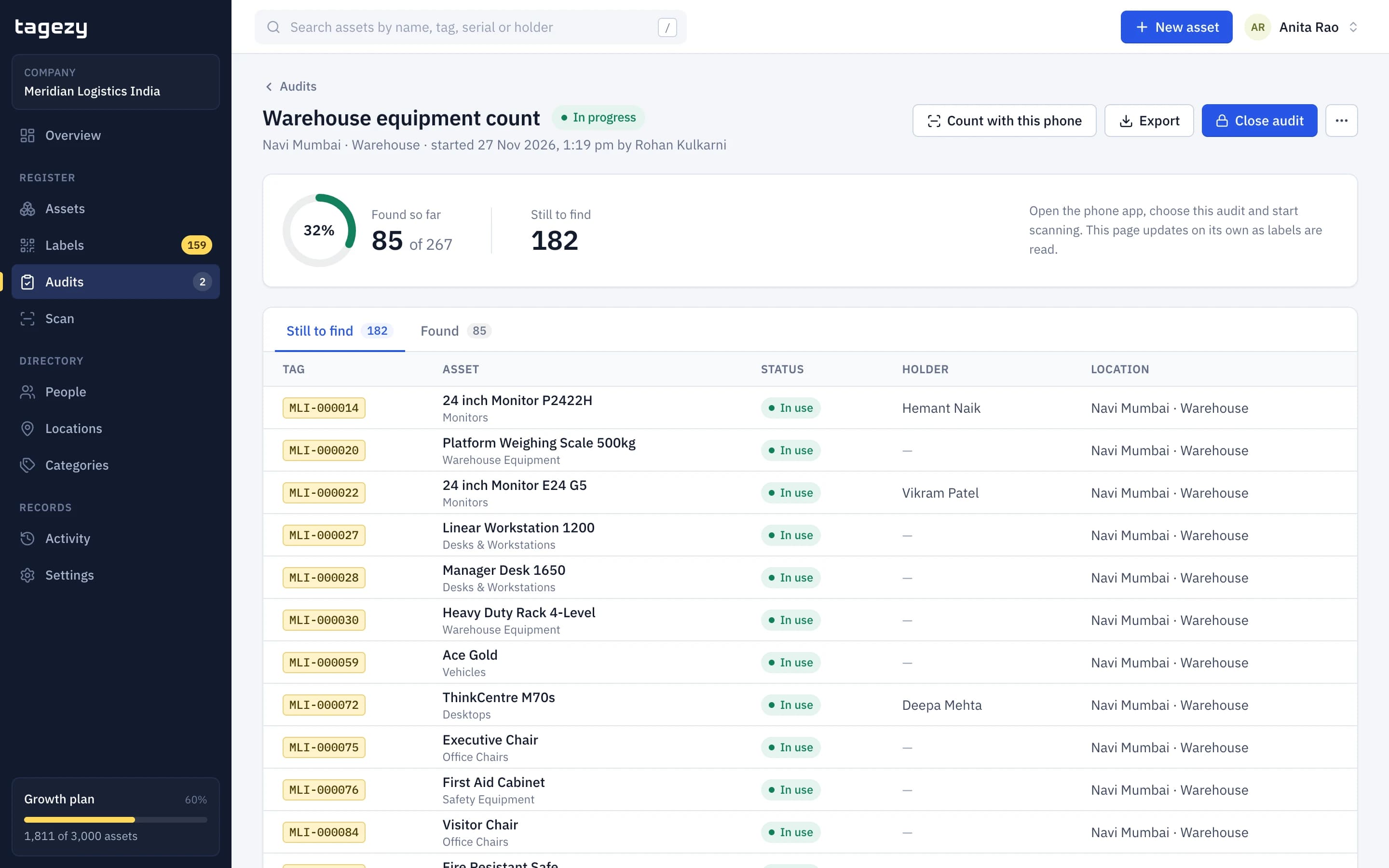
What to tag at each kind of site.
| Site | Typical assets | Label |
|---|---|---|
| Head office | Laptops, monitors, meeting-room screens, chairs, air conditioners | 50 × 25 mm, with 38 × 25 mm on small devices |
| Branch office | Printer, router, UPS, desks and chairs | 50 × 25 mm |
| Warehouse | Pallet trucks, racks, weighing scales, handheld scanners | 50 × 25 mm, polyester |
| Server room | Servers, switches, firewalls, UPS | 50 × 25 mm on servers, 38 × 25 mm on network gear |
| People's homes | Laptops, monitors, docks | 50 × 25 mm on laptops, 38 × 25 mm on the rest |
Printing
Print labels where the assets are.
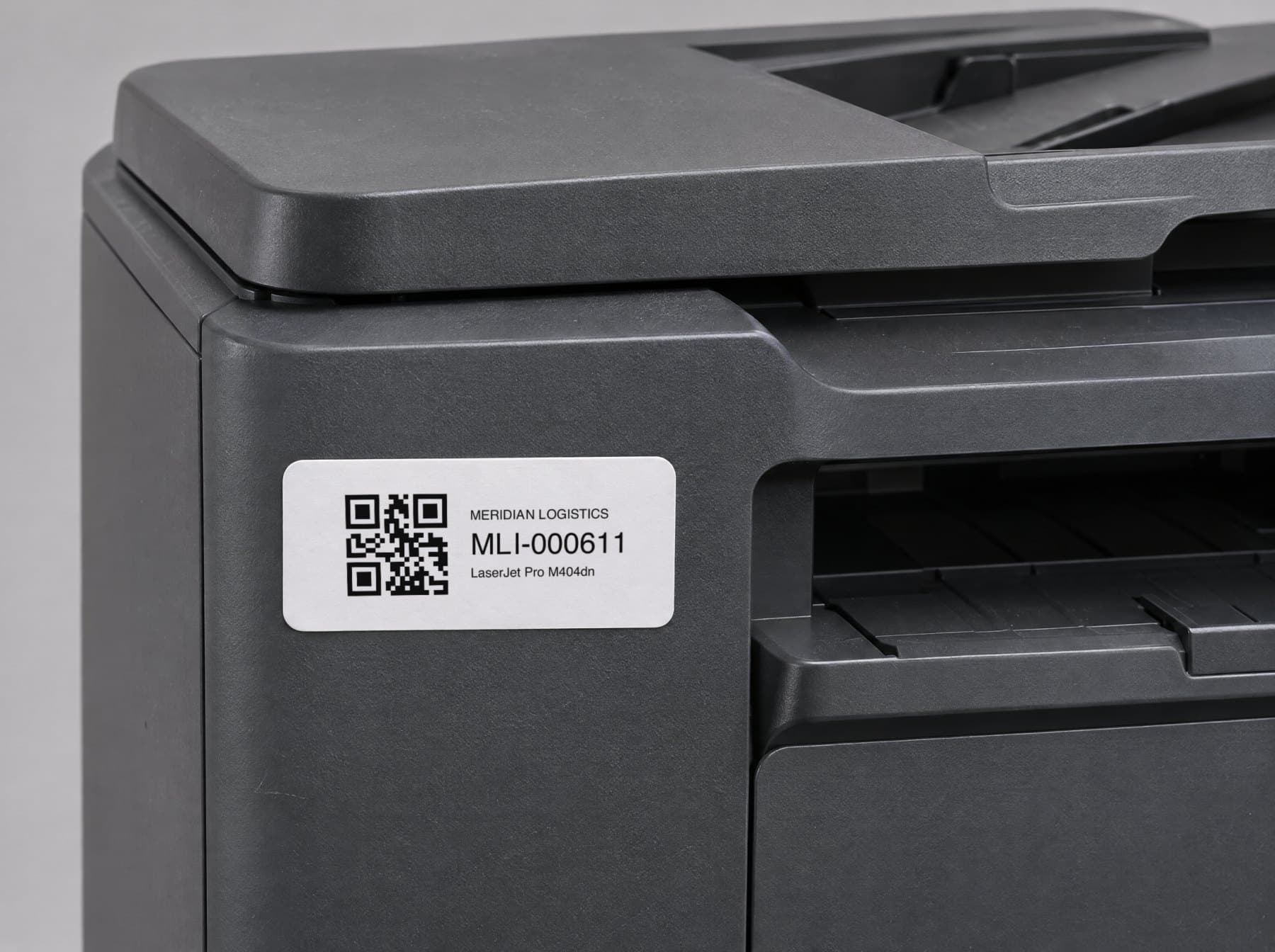
The label PDF opens in any browser, and the labels screen filters by location. Each site can print its own on a thermal label printer or on A4 sheets.
Or print one location at a time at head office and send the rolls with the courier.

Questions buyers ask
How do we track assets across several locations?
Keep one register and give every asset a location. Group locations by site, record each move with a scan, and count one location at a time, so that each floor or room is closed and exported on its own.
Which plan do we need for more than one office?
Growth, or Enterprise above 3,000 assets. Growth is ₹9,999 or US$119 a month, plus GST. Free, Lite and Starter hold one office, with any number of floors and rooms, plus a place for people working from home.
What counts as an office?
One building or one city, with any number of floors and rooms inside it. A place for people who work from home does not count as an office.
Can a branch see only its own assets?
Not today. Roles apply across the company: Owner, Admin and Member. A branch can filter the register to its own location, and an audit can be limited to one location.
Can we count every site at once?
Yes. An audit can cover one location or the whole company. Most teams run one location at a time so that each can be closed when its floor is done.
Does each site need its own label printer?
No. Labels can be printed at one site and sent to the others, or printed locally on A4 sheets with an office laser printer.
See it with your own asset list
Send us a spreadsheet of 20 assets. We will import it, print the labels and walk you through a scan and an audit on a call.