Use case: non-IT assets
Asset tagging for office furniture and equipment.
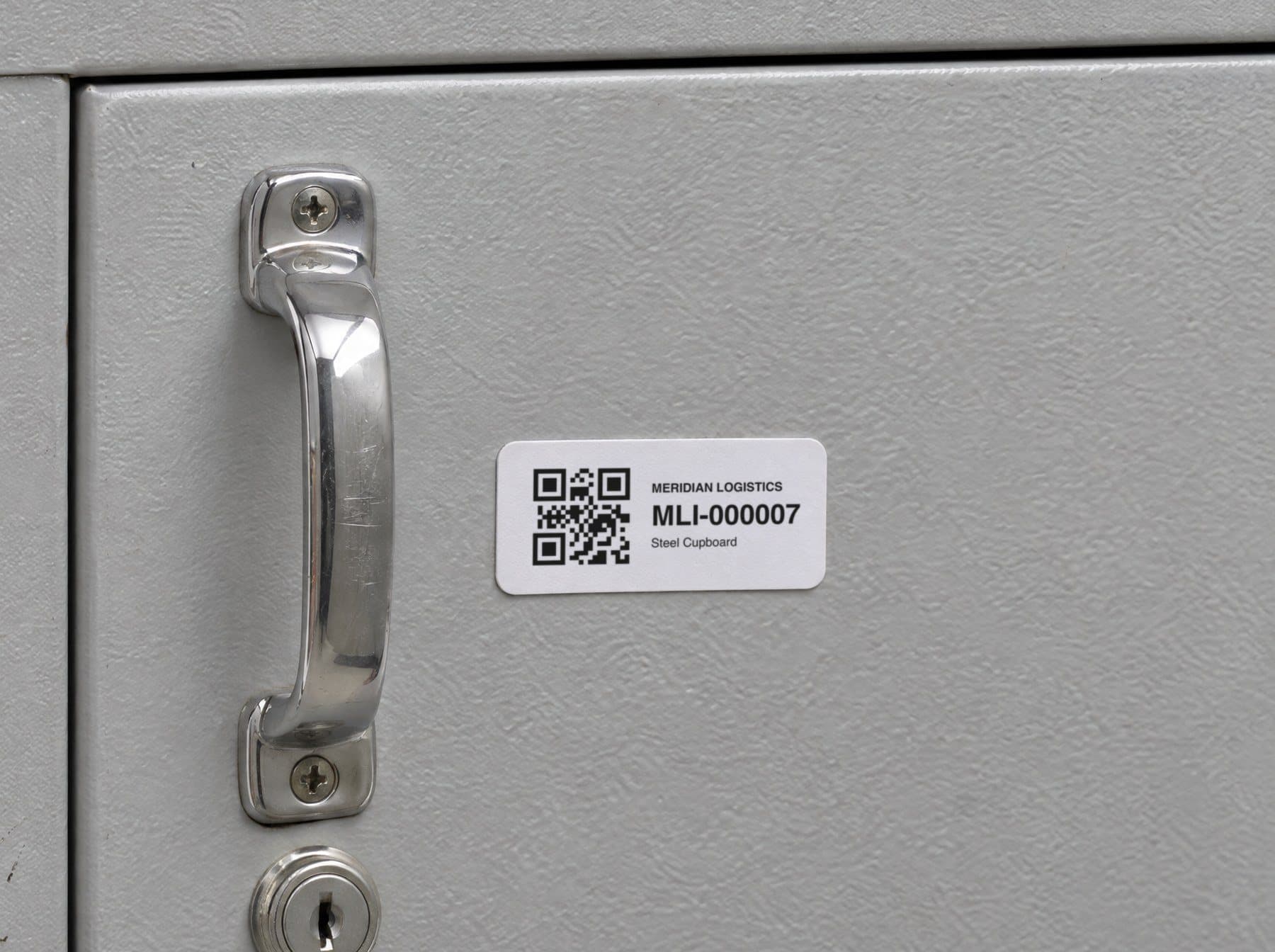
Non-IT assets outnumber IT assets in most companies and are counted least often. Tag them once, record the room they belong to, and the next count is a walk with a phone.
What changes
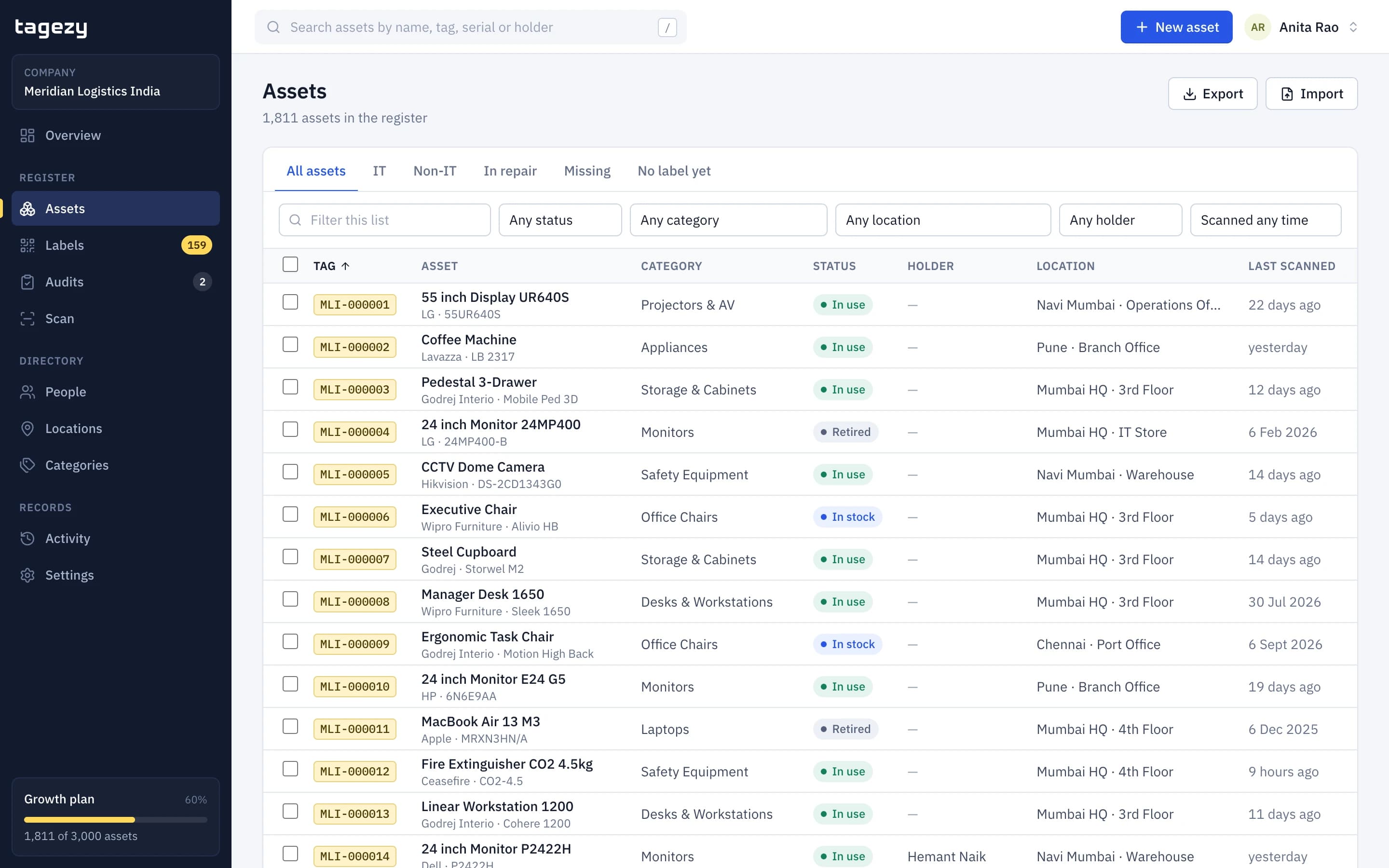
Furniture is tracked by place, not by person.
- Locations you can walk to
- Create a location for each floor, room and store, grouped by site. An asset belongs to one location at a time.
- Categories you define
- Office chairs, desks, storage, meeting room furniture, air conditioners, appliances, safety equipment, vehicles. Each is marked non-IT.
- Counts by room
- Start an audit for one location. The app shows what should be there and what has been scanned.
- Moves recorded
- When a cabinet moves floors, scan it and tap Move. The register follows the furniture.
The register
A thousand chairs, and each one findable.
Filter the list to a category and a location to answer the usual questions: how many task chairs on the fourth floor, which air conditioners are in repair, what is in the store room.
Assets that have not been scanned in 90 days are listed on the overview, which is where forgotten furniture shows up.
Where the label goes
Placement by asset type.
| Asset | Where to stick it | Why |
|---|---|---|
| Chairs | Underside of the seat or back of the backrest | Out of sight, away from hands and cleaning cloths |
| Desks and tables | Inside edge of a leg or under the top, near a corner | Reachable with a phone without moving the desk |
| Cabinets and cupboards | Top-left of the front or the inside of the door | Same place on every unit makes counting faster |
| Air conditioners | Side of the indoor unit | Readable from the floor |
| Appliances | Side panel, not the back | No need to pull it out to scan |
| Warehouse equipment | A flat painted face, cleaned first | Dust and oil stop adhesive from holding |
Pick one place per asset type and keep to it. Counting is slow when people have to hunt for the label.
Printing
A4 sheets work when there is no label printer.
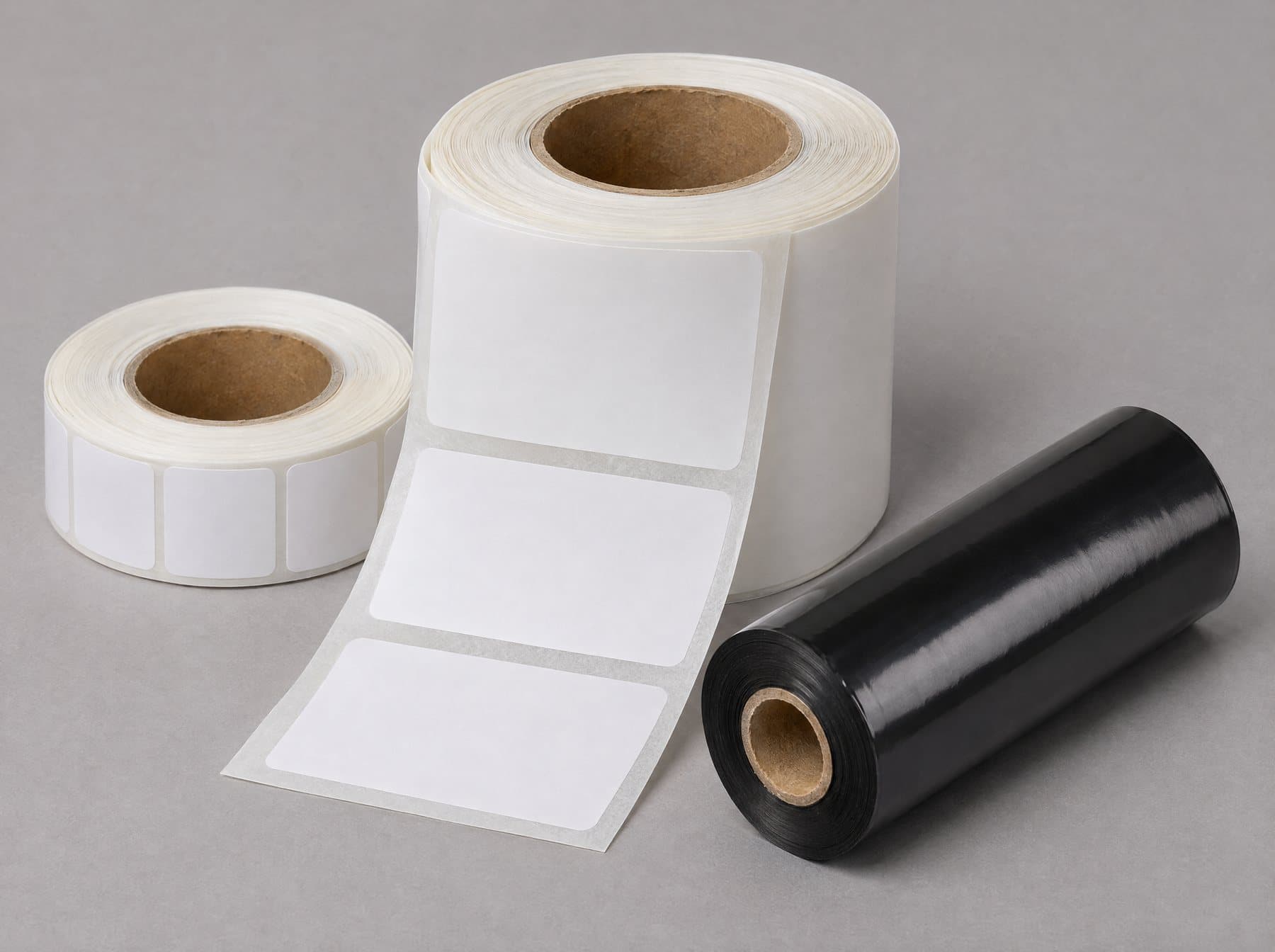
For a few hundred assets, an office laser printer and A4 sheets of 24 labels are enough. The PDF is laid out 3 across and 8 down, and a part-used sheet can start at any position.
For a thousand or more, a thermal transfer label printer with polyester rolls is faster and the print lasts longer.
Questions buyers ask
Is it worth tagging furniture?
Yes, if it is on the books or would be replaced if it went missing. Furniture is rarely stolen, but it moves between floors and sites, gets written off without anyone checking, and is the bulk of what an auditor asks you to verify.
Which label survives on furniture?
Polyester with a permanent adhesive, stuck on a clean, flat surface. On textured plastic or powder-coated metal, press it down firmly and leave it for a day before wiping the area.
How do we tag 1,000 items without stopping work?
Go floor by floor after hours or in a quiet week. Print the labels for one location at a time, sorted by tag. Two people working together, one sticking and one scanning to confirm, keep a steady pace.
Can one register hold several offices?
Yes, on the Growth plan and above. Locations are grouped by site, so Mumbai, Pune and Chennai sit in one register, and the Locations screen totals the assets under each. An audit covers one location, such as a floor or a room, or the whole company.
What about vehicles and plant?
They are assets like any other. Create categories for them, record registration or serial numbers, and stick the label on a flat painted face that has been cleaned first.
See it with your own asset list
Send us a spreadsheet of 20 assets. We will import it, print the labels and walk you through a scan and an audit on a call.