Guide · 7 minute read
QR code vs barcode vs RFID for asset tracking
Updated
The short answer
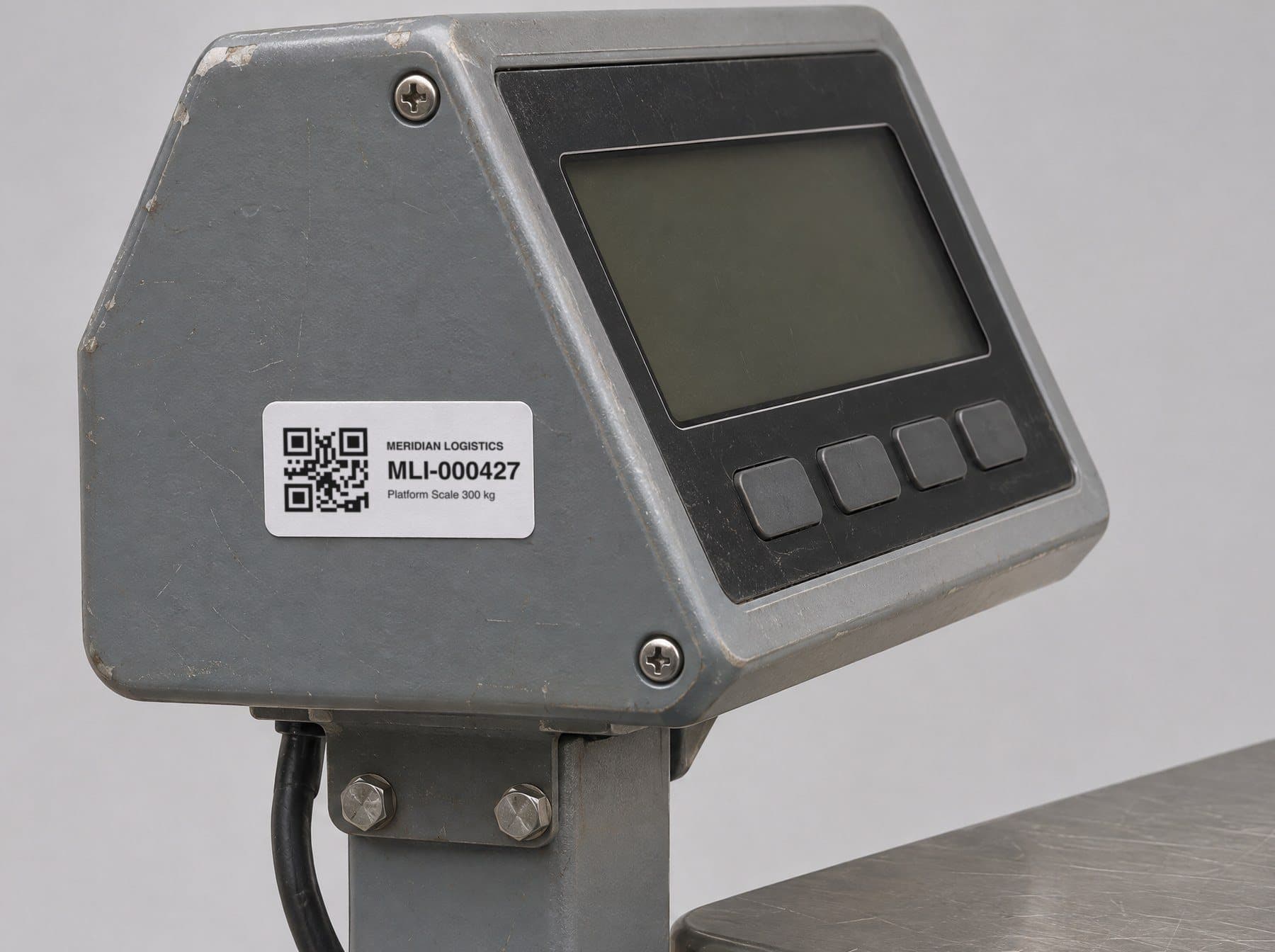
For most offices, use QR codes. They print on any label printer, any phone camera reads them, and they still scan when partly damaged. Use RFID only where many items must be counted often or without line of sight, because every tag and reader costs more. A 1D barcode needs a wider label for the same number and has no error correction.
There are five common ways to make an asset identifiable: a 1D barcode, a QR code, an RFID tag, an NFC tag, and a Bluetooth beacon. They differ in what reads them, how many can be read at once, and what each tag and reader costs. For most offices the choice is simpler than the vendor brochures suggest.
The comparison
| 1D barcode | QR code | RFID (passive UHF) | NFC | Bluetooth beacon | |
|---|---|---|---|---|---|
| Read by | Laser scanner or camera | Any phone camera | Dedicated RFID reader | Most phones, by touch | Phone or gateway |
| Line of sight needed | Yes | Yes | No | No, but must be within a few centimetres | No |
| Read several at once | No | No | Yes, many | No | Yes |
| Typical reading distance | Close | Close, further with a larger code | Several metres, depending on tag and reader | Touching, or within a few centimetres | From under a metre to tens of metres and beyond |
| Power in the tag | None | None | None | None | Battery |
| Works when damaged | Poorly | Yes, has error correction | Yes, unless the chip or antenna is broken | Same | Until the battery dies |
| Tag made by | Any label printer | Any label printer | Bought as tags, or printed and encoded on an RFID printer | Bought as tags | Bought as devices |
| Cost per tag | Lowest | Lowest | Higher | Higher | Highest |
| Cost of readers | Low | None if staff have phones | Significant | None | Gateways for fixed coverage |
Read the last two rows first. The cost of a tagging scheme is tags multiplied by assets, plus readers. Printed codes win on both for ordinary office assets.
1D barcodes
A barcode is a row of lines encoding a short number. It is the oldest option and still everywhere in retail.
Good for: assets with a wide, flat face and a workflow that already uses handheld scanners.
Weak at: small labels. A barcode grows wider with every character. An identifier that fits a 12 mm square as a QR code needs a much longer strip as a barcode. It also has no error correction. If part of the pattern is rubbed away along its full height, the code cannot be read.
QR codes
A QR code is a square, two-dimensional code. Any phone camera reads it.
Good for: nearly all office and IT assets. It prints on any label printer, needs no dedicated reader, and fits small labels.
Error correction is the feature that matters for asset tags, which get scratched and scuffed for years. A QR code is printed at one of four levels:
| Level | Share of the code that can be damaged and still read (approximate) |
|---|---|
| L | 7% |
| M | 15% |
| Q | 25% |
| H | 30% |
These are the figures published by Denso Wave, which created the QR code. It describes M as the most used level and suggests Q or H where labels get dirty.
Higher levels make the code denser. The trick is to keep the content short, so that even at a high level the cells stay large. The smallest QR code is a grid of 21 × 21 cells. It holds 16 capitals and digits at level Q, and 10 at level H. A web link needs a bigger grid, which means smaller cells on the same label.
Our labels hold a 10-character code at level Q, so they print as the smallest grid.
Cell size depends on the printer. Denso Wave's printing table starts at four printer dots for each cell. On a 300 dpi label printer that is a cell of 0.33 mm. Its advice is to print the code as large as the space allows.
Weak at: reading many assets at once. Each label must be seen by the camera, one at a time.
RFID
An RFID tag holds a small chip and an antenna. A reader sends a radio signal and the tag answers. Passive UHF tags, the kind used for asset tracking, need no battery.
Good for: reading many tags quickly without seeing them. A reader can count a rack of servers or a store room of cartons in seconds. It suits high volumes, items stored in bulk, and gates that detect assets leaving a building.
Reading distance depends on the type. GS1 puts passive UHF tags at several metres in typical use, and low and high frequency tags at up to about a metre.
Weak at: cost and fuss. Every asset needs a tag that costs more than a printed label. Readers and antennas are a capital purchase. Metal surfaces and liquids interfere with the signal, so equipment like servers and steel cabinets needs special on-metal tags. And a reader tells you a tag is nearby, not which of the six laptops on the desk it belongs to.
NFC
NFC is short-range RFID that most phones read by touching the tag.
Good for: places where a camera struggles, such as dark plant rooms, or where a tap is the natural action.
Weak at: cost per tag compared with a printed label, and it still reads one item at a time.
Bluetooth beacons
A beacon is a small battery-powered transmitter. Phones or fixed gateways detect it and estimate where it is.
Good for: knowing roughly where a moving, valuable item is right now, such as a medical device or a specialist tool.
Weak at: cost, batteries and scale. It is the wrong tool for 1,000 chairs.
Which to choose
| Your situation | Choose |
|---|---|
| An office with laptops, monitors, furniture and appliances | QR codes |
| A few hundred to a few thousand assets, counted once or twice a year | QR codes |
| Staff already carry phones, and nobody wants to buy scanners | QR codes |
| A store or warehouse where thousands of items are counted every week | RFID for those items, QR for the rest |
| Assets that must be detected leaving through a door | RFID with fixed readers at the exits |
| A small number of high-value items that move constantly | Bluetooth beacons for those items |
| An existing fleet of handheld barcode scanners | 1D barcodes, or QR if the scanners read 2D codes |
Can you mix them?
Yes, and large organisations usually do. The register does not care how a tag is read, as long as each asset has one identifier. A common pattern is a printed QR label on everything, with an RFID tag added only to the asset classes that are counted often or stored in bulk. Some labels carry both: a printed code on the face and an RFID inlay underneath.
Starting with QR codes does not close the door on RFID. The numbering scheme and the register carry over.
Common mistakes
- Buying RFID to avoid walking. Someone still has to carry the reader past every asset. RFID makes each read faster. It does not remove the walk.
- Printing a long web link in the QR code. The code becomes dense and harder to scan, and anyone with a phone can open the link.
- Printing the code to the edge of the label. Scanners need a blank margin around the code to find it. The QR specification asks for four cells on every side.
- Choosing by technology first. Start with how many assets you have, how often you count them, and who will do the counting. The answer usually follows.
Our product uses QR codes today. It does not read RFID.
Sources
- QR code error correction levels, Denso Wave.
- QR code versions and data capacity, Denso Wave.
- Margin around a QR code and cell size for printing, Denso Wave.
- Read range of a typical RFID tag, GS1.
- NFC Release 15, NFC Forum, June 2025, on NFC reading distance.
- Bluetooth range, Bluetooth SIG.